Batch photo compression
to exact KB & MB targets
Quickly reduce file sizes to meet your needs: under 500 KB, 1 MB, or 2 MB. Keep photos clear and crisp for online application forms, chat apps, and email attachments without file size errors.

Ideal for government portals, job applications, and passport uploads
Fast, accurate, and secure photo tools
Thiết kế chuyên sâu cho nhu cầu giảm kích thước file ảnh hàng ngày mà vẫn giữ được độ nét tối đa.
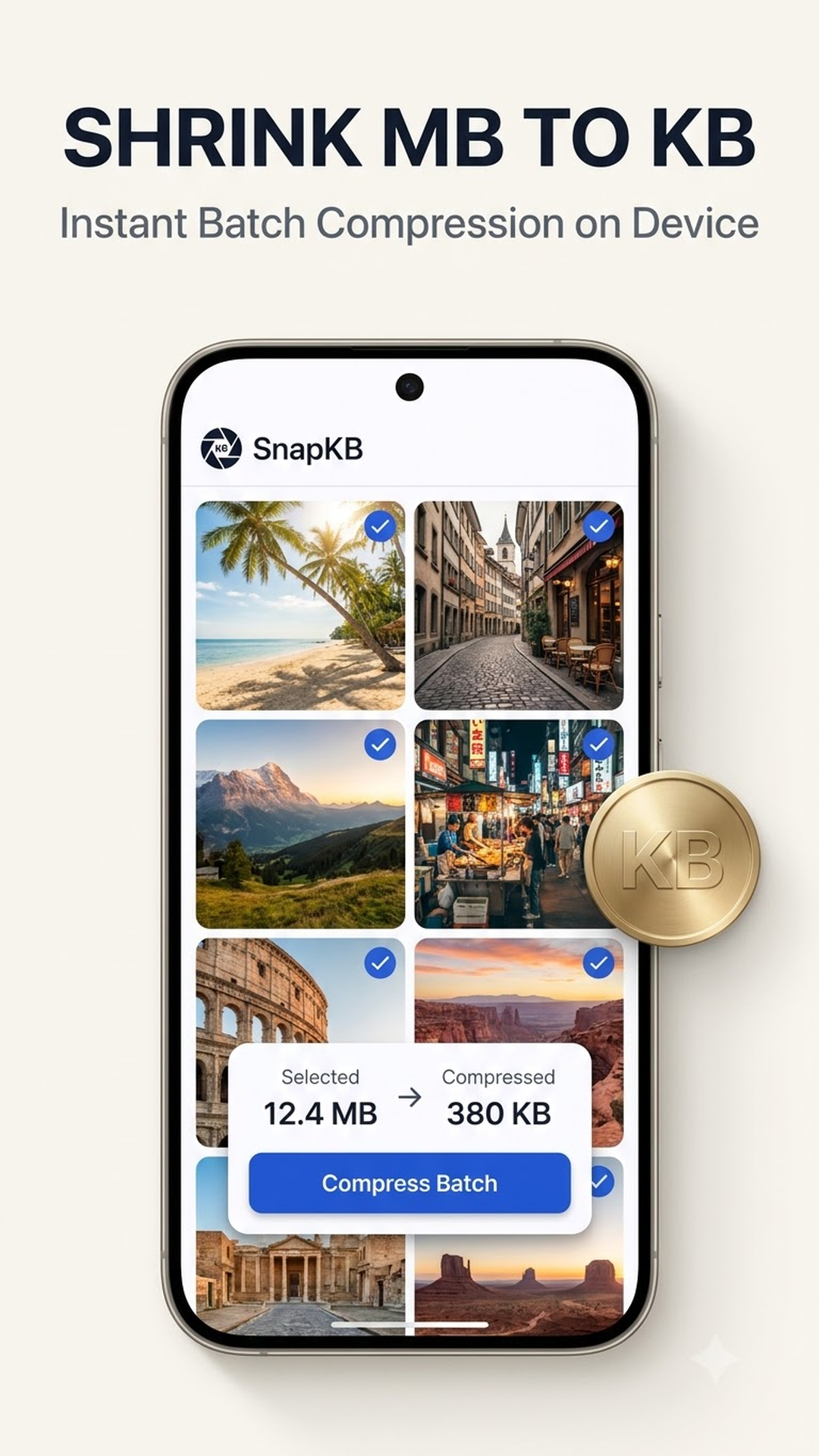
Batch compression for multiple photos
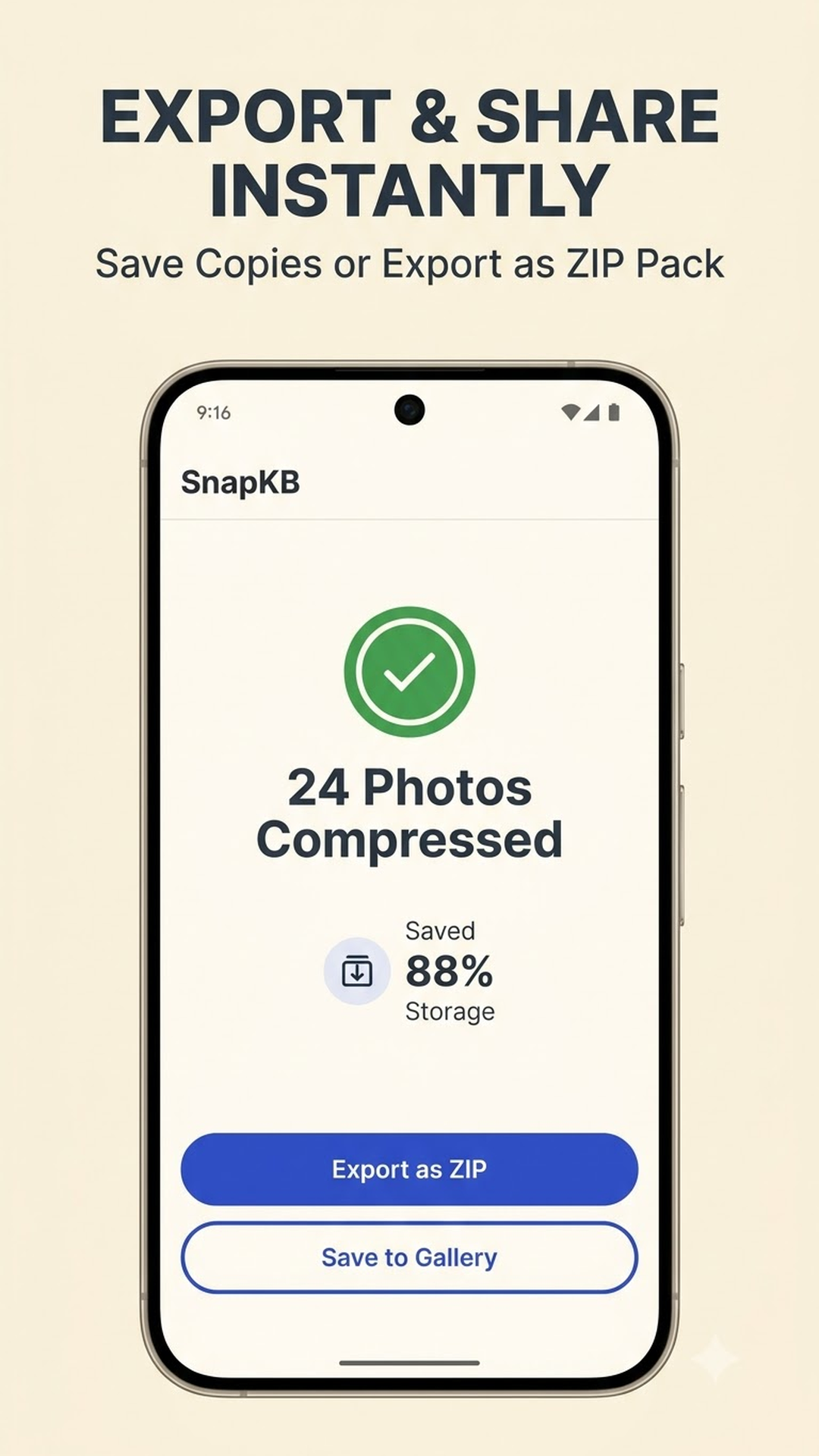
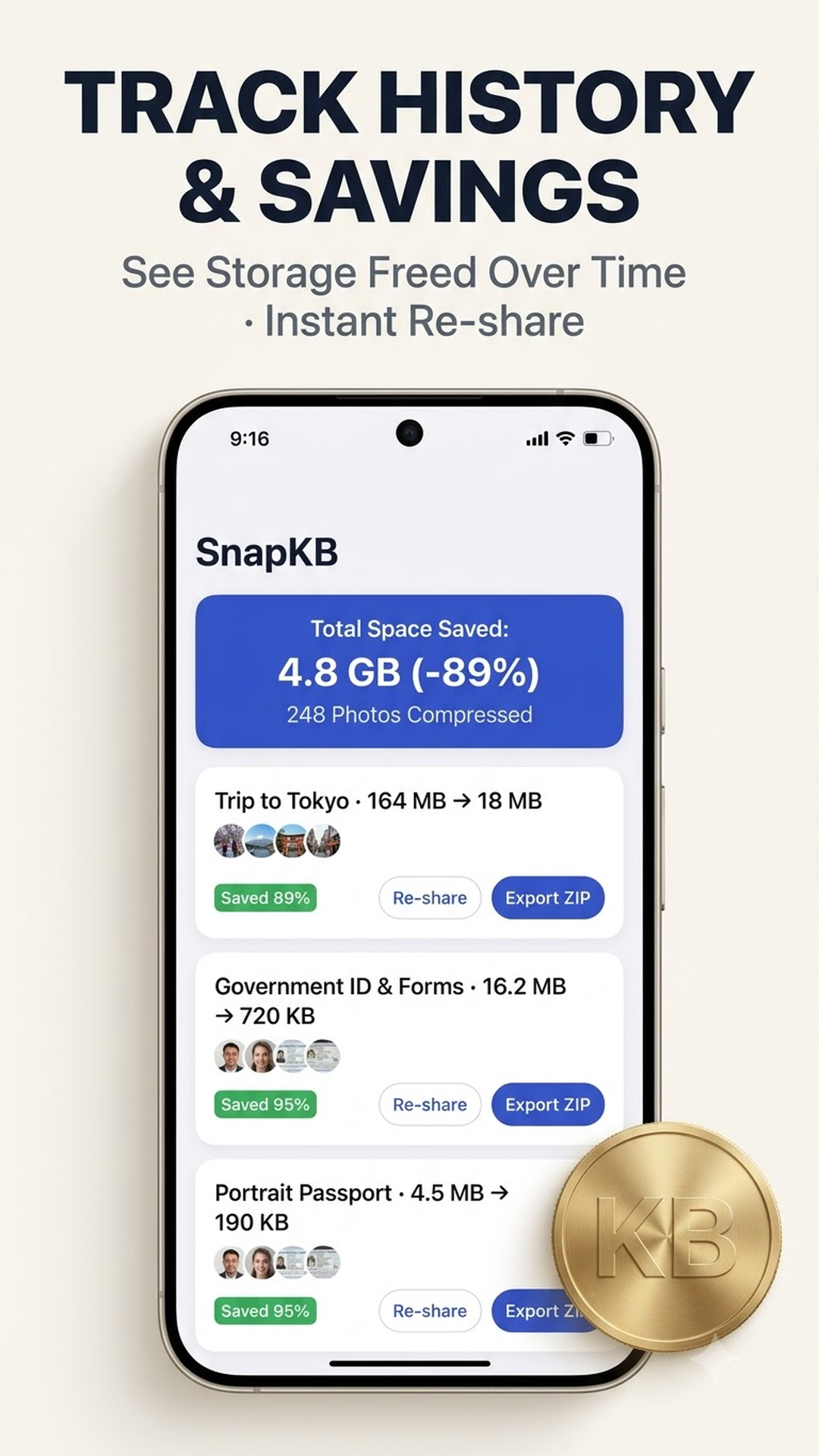
Select one or dozens of photos from your gallery. SnapKB automatically compresses each photo to your chosen target size in parallel.
 -92%
-92%
 -88%
-88%
 -94%
-94%
 -90%
-90%
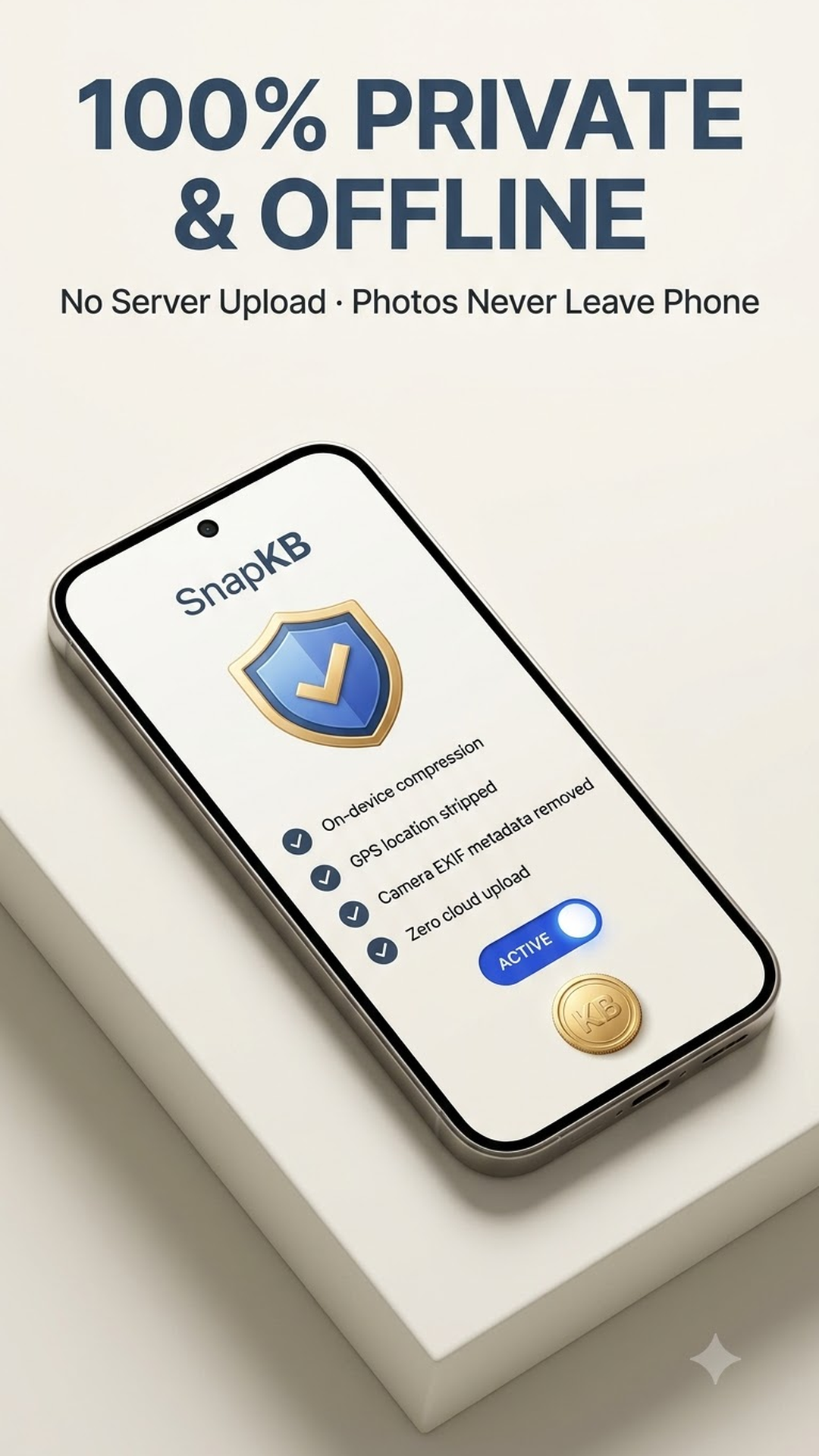
100% On-device, zero cloud uploads
All compression and format conversion processes run directly on your phone's processor. Your sensitive personal documents never leave your device.
- ✓ Completely safe for IDs & official forms
- ✓ Works anywhere without internet
- ✓ Instant processing with zero upload delay
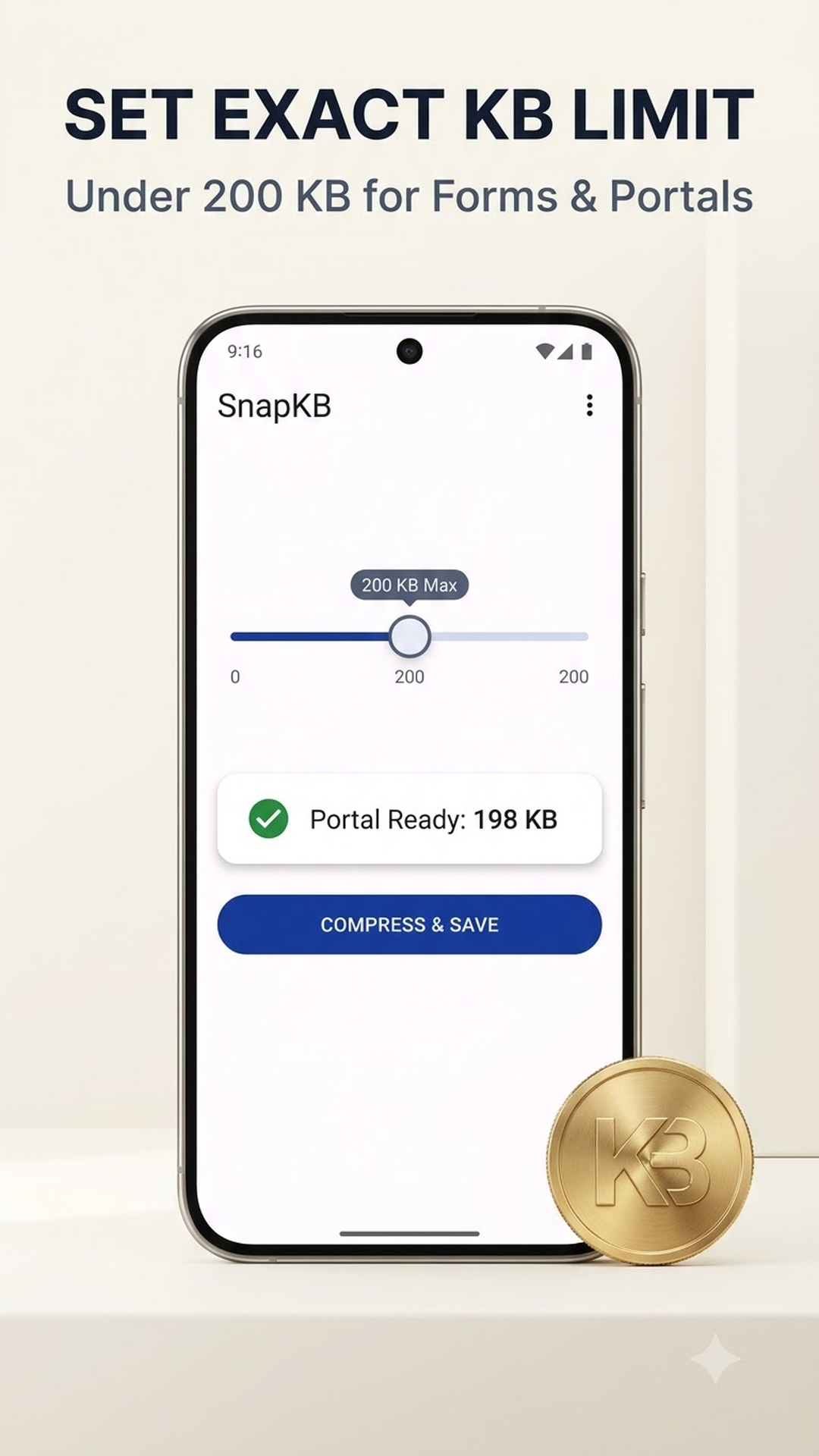
Exact target file size
No more guessing percentage quality sliders (70% or 80%). Just pick your desired maximum size (e.g. under 500 KB), and SnapKB handles the rest.
Remove GPS & EXIF metadata
Optionally strip location coordinates, camera models, and private metadata before sending photos to others or uploading online.
Convert formats: HEIC, JPG, PNG, WEBP
Easily open and convert iPhone HEIC photos into universally compatible JPG, PNG, or modern WEBP files for any computer or web portal.
Meet strict upload limits effortlessly
Giải quyết triệt để các lỗi vượt quá dung lượng file khi nộp hồ sơ hay gửi ảnh qua mạng.
Government & Visa Portals
Pass strict file size limits for national IDs, passports, driver licenses, and official forms without upload errors.
Messaging & Chat Sharing
Compress before sending to avoid messaging apps aggressively degrading photo quality and blurring text.
Work Email Attachments
Attach batches of inspection reports and work documents to Gmail or Outlook without exceeding the 25 MB inbox limit.
Reclaim Phone Storage
Shrink heavy daily camera shots to free up gigabytes of local storage without deleting precious memories.
Clean, intuitive, and fast
Thiết kế rõ ràng, tập trung vào công việc nén ảnh, không có menu phức tạp hay quảng cáo chen ngang.
3 simple steps to compress
Không cần đăng ký tài khoản, bạn có thể bắt đầu sử dụng ngay lập tức.
Select Photos
Open the app and choose one or multiple photos from your device gallery.
Choose Target Size
Tap a target preset (e.g. Under 500 KB or Under 1 MB) or enter a custom limit.
Compress & Save
SnapKB processes in seconds and saves high-quality compressed copies directly to your gallery.
SnapKB vs Online Web Compressors
When handling sensitive documents like ID cards and passports, offline on-device processing is the safest choice.
| Comparison Metric | SnapKB (Offline App) | Online Web Compressors |
|---|---|---|
| Processing Location | 100% On your phone | Uploaded to third-party servers |
| ID & Document Privacy | Completely private (0 leaks) | Server storage security risks |
| Offline Availability | Works without internet | Cannot function offline |
| Upload Waiting Time | Zero seconds (Instant) | Slow (depends on 4G/Wi-Fi speed) |
| Batch File Limit | Unlimited compressions | Usually restricted to 10-20 files |
Frequently Asked Questions
Một số thắc mắc phổ biến về cơ chế nén và bảo mật của SnapKB.
Ảnh sau khi nén có bị mờ hoặc vỡ hạt không?
Ảnh của tôi có bị tải lên máy chủ nào không?
Ứng dụng có thể nén nhiều ảnh cùng lúc không?
Tôi cần ảnh dưới 500 KB để nộp hồ sơ dịch vụ công thì làm thế nào?
Ứng dụng có chuyển ảnh đuôi HEIC từ iPhone sang JPG được không?
Download SnapKB to compress photos faster
Free, unlimited batch compression, and completely private on your Android device.